
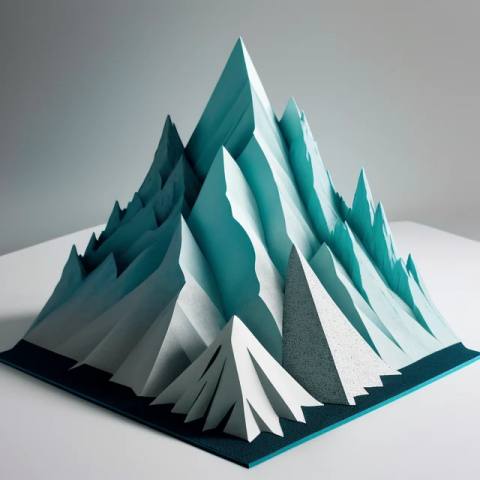
Morphing Architecture
Impossible architecture morphing and transforming in a dreamlike sequence, M.C. Escher inspired stairs and portals, clean white geometric shapes, surreal perspective shifts, smooth camera m...
11 views0 copies
Video prompt library
Browse free Pika Labs prompts for short-form creative video prompts for stylized motion and social clips. Copy, adapt and use them without signup.
Impossible architecture morphing and transforming in a dreamlike sequence, M.C. Escher inspired stairs and portals, clean white geometric shapes, surreal perspective shifts, smooth camera m...
This Pika Labs prompt library groups copy-ready examples, prompt structure, common mistakes and related workflows for short-form creative video prompts for stylized motion and social clips.
Maintained examples complement the published prompt feed.
Static medium shot of a plain desk lamp that smoothly transforms into a friendly retro robot while staying in the same position, bright clean studio, readable silhouette, transformation completes in four seconds, no extra objects, hold the final robot pose for one second.
Miniature paper city with tiny cars circling a roundabout, gentle top-down camera drift, handcrafted paper textures, warm afternoon light, motion returns seamlessly to the opening composition after six seconds, no abrupt cuts, clean satisfying loop.
9:16 product reveal: begin with the frame blocked by colorful fabric, fast pull-away reveals wireless headphones on a pedestal, short controlled push-in, bright gradient lighting, stable product geometry, energetic two-beat timing, end on a centered hero shot.
Start with a card that matches the output you want, then replace the subject, audience, product, environment, camera, style and constraints. Keep the strongest structure intact so the AI tool receives a clear role, visual direction, deliverable format and quality bar.
Strong AI video prompts behave like compact shot briefs. Define what moves, what the camera does, how the scene is lit, and what must stay visually consistent from the first frame to the last.
Use this as a checklist rather than a rigid sentence. Remove fields that do not affect the result and make the remaining details specific enough that two people would imagine roughly the same output.
Vague cinematic wording without a named shot or movement.
Several conflicting camera moves in one short clip.
Appearance details without motion, timing or an ending frame.
Changing identity, wardrobe or environment details mid-prompt.
State the subject or task before style adjectives.
Add concrete constraints that can be checked in the output.
Describe the desired format, composition or deliverable explicitly.
Change one major variable at a time when iterating so you can see what improved.
Yes. You can copy, adapt and test the prompt examples. Always review generated outputs before publishing or selling them.
Usually yes. Keep the intent and structure, then adjust tool-specific syntax, aspect ratio, safety rules, duration, voice, model or file format.