The Alternatives Issue For tool owners Sign in

Image prompt library

Flux Prompts

Browse free Flux prompts for high-fidelity image prompts with strong subject, material and lighting control. Copy, adapt and use them without signup.

ghiblianimeillustrationcozyai-artwatercolorpaintingsofttrendingmecharobotsci-ficoncept-artBrowse prompt tags
Flux · IMAGE

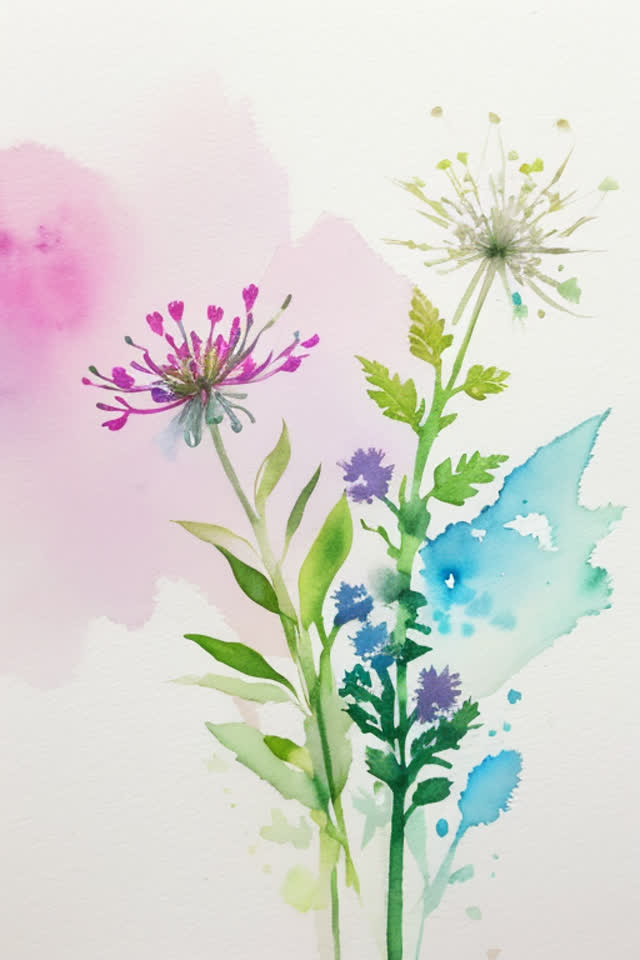
Watercolor — loose watercolor painting

a botanical study of wildflowers, rule-of-thirds, balanced negative space, volumetric god rays, wet-on-wet washes, soft edges, paper texture, loose watercolor painting, bleeding pigments, w...

watercolorillustrationpaintingsoft
5 views0 copies
Flux · IMAGE

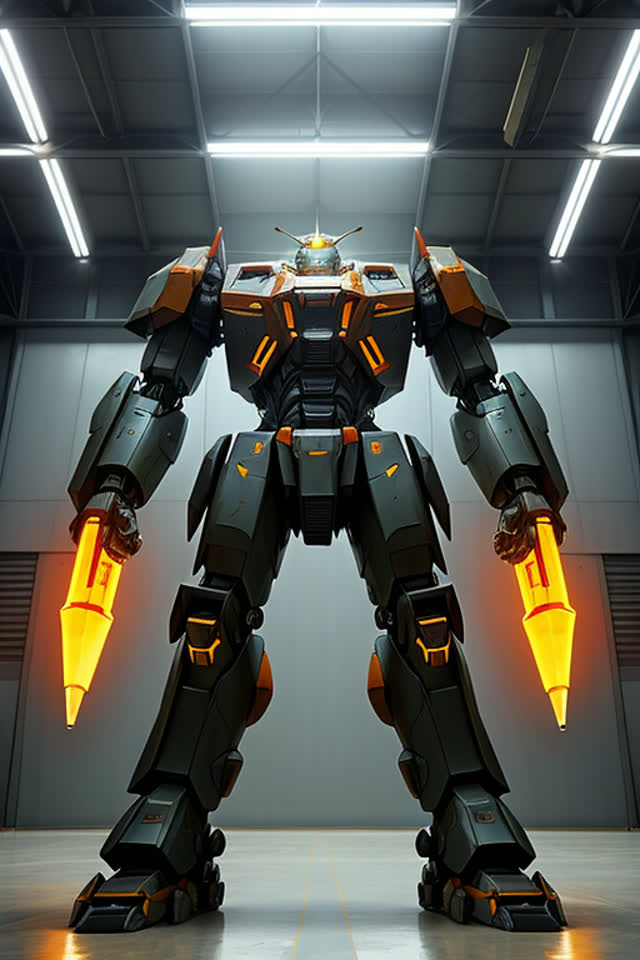
Mecha design — mecha concept art

a towering battle mech in a hangar, rule-of-thirds, balanced negative space, bioluminescent glow, hard-surface design, cinematic, detailed, mecha concept art, panel lines, weathering, rim l...

mecharobotsci-ficoncept-art
4 views1 copies

Flux prompt library

This Flux prompt library groups copy-ready examples, prompt structure, common mistakes and related workflows for high-fidelity image prompts with strong subject, material and lighting control.

How to use these prompts

Start with a card that matches the output you want, then replace the subject, audience, product, environment, camera, style and constraints. Keep the strongest structure intact so the AI tool receives a clear role, visual direction, deliverable format and quality bar.

Flux prompt formula

Image and design prompts improve when subject definition, composition, camera language, lighting, material detail and constraints are explicit enough to copy and adapt.

COPY-READY STRUCTURE

Subject + scene + composition + camera + lighting + materials + style + constraints + aspect ratio

Use this as a checklist rather than a rigid sentence. Remove fields that do not affect the result and make the remaining details specific enough that two people would imagine roughly the same output.

Best uses for Flux Prompts

Common prompt mistakes

MISTAKE 1

Style adjectives without subject and composition.

MISTAKE 2

Contradictory lighting, lens or era cues.

MISTAKE 3

Ambiguous text placement or product geometry.

MISTAKE 4

Too many variables changed between iterations.

Quality checklist before you run the prompt

State the subject or task before style adjectives.

Add concrete constraints that can be checked in the output.

Describe the desired format, composition or deliverable explicitly.

Change one major variable at a time when iterating so you can see what improved.

Related prompt libraries

Related guides and tools

FAQ

Are these prompts free?

Yes. You can copy, adapt and test the prompt examples. Always review generated outputs before publishing or selling them.

Can I use them with another AI tool?

Usually yes. Keep the intent and structure, then adjust tool-specific syntax, aspect ratio, safety rules, duration, voice, model or file format.